

Affordable Small Business
Website Design
Don't just build a site. Create a powerful marketing tool that brings your audience to you.

"Do I Really Need a Website?"
Your website is, arguably, the single most important marketing tool for your business. If you want to be taken seriously as a business, you simply must have a website.
Your website is the first visual introduction your customer has to you or your business (unless you have a physical, brick-and-mortar storefront or office). It represents your brand, your personality, and your products or services; and gives your business a "home base" to tell about your pricing, your location (if applicable) and how to reach you.
But what many small business owners don't realize is that your website, when built correctly, can work as your most dedicated and tireless salesperson. It can work around the clock, 24/7, and can work locally or globally; going out into that great big world, finding your target market, grabbing them and bringing your customers to you. And, it can do all this for close to free, without keeping any commission.
It's nearly impossible to put a price on the value that a good website can bring your business. It is a relatively minuscule investment in a business partner that will work with you and for you, for as long as you are in business. It can, single-handedly, make the difference between whether you fail or succeed.
"Can't I Just Use Social Media?"
In a word....no. In two words, please no.
Don't get me wrong, social media has its place. It can be a very helpful supplemental marketing tool. But it should never, ever be the foundation of your business.
Why not?
"What About Wix, Weebly or Squarespace?"
This is absolutely imperative to understand; Wix, Weebly and Squarespace are not built for people who want to build a serious business from a website. They have spent millions in advertising convincing people just like you that this is an easy, viable option for people who don't want to hire a designer. However, it's imperative that you understand:
So yes....for a specific small group of people, these "DIY" platforms might work. If you require a simple site, with no customization, and you don't plan on ever expanding your business to anything more than a simple site. And if you plan on spending a lot on advertising since your audience will never find you through Google.
The Smart Choice....WordPress
For everyone else, I strongly recommend going with WordPress.
SIDE NOTE: It's important to note that there are two versions of WordPress; WordPress.com and WordPress.org.
When I refer to WordPress, I am referring to WordPress.org.
If you want to learn more about the differences between the two, you can Google "WordPress.com vs. WordPress.org." If you don't care to know the "why," just trust me :-)
If you don't want to spend thousands and thousands of dollars on a custom-coded website, but also want a more professional option that allows you to grow in the future, then WordPress.org is the only way to go.
WordPress does require a bit of a learning curve, but it is "learnable" for the motivated person who wants to take their business seriously. It also offers unlimited options for growth or added functionality. You can add just about anything to your website through "plugins," which are individual pieces of "code" that allow you to add things to your site to make it do what you want it to do. Although it sounds complicated, it really isn't; and that is why WordPress.org is by far the wisest choice for a small business website.
However, setting up a WordPress site is not exactly intuitive. It can be figured out, but I won't lie; expect to have some mind-blowing frustrating moments where you are in danger of throwing your computer out the window. Trust me, I've been there!
That's why I offer a basic "Starter Package," as you'll see below.
This package allows me to do all the behind-the-scenes "techie" and sometimes frustrating installations and set-up for you. What takes me just a few days might take weeks for a beginner to stumble through. Then, once it's all set up, I create some basic templates for you so that you can take over and work on your site at your pace, as you wish; with you at the helm and completely in control of your own site.
Affordable Small Business Website Packages
I offer three basic packages based upon what I find people usually want. However, if you have specific needs, no problem! We can work together to customize what you need. Just contact me and we can discuss your project, and go from there!
Please not that these packages are for my services only. There are few additional costs for items that are required in order to host a website. Unlike many other designers, I separate those out because I know you'd prefer to eventually manage your website alone without being dependent on me. Many other designers and developers hold you "captive" by forcing you to go through them. That goes against my values, based upon my own bad experience when I first attempted my first site.
Please see below for the breakdown; and then the required and optional additional costs below.
Starter Package
Perfect for the small business who only needs a basic site; or for the "go-getter" who would like to build your site eventually at your own pace.
from
$750
MOST POPULAR
The most popular option, this package gives you everything you need for a solid website plus two pages and a domain-based email address.
from
$1500
"Get 'er Done"
For the small business owner who is ready to get it done right. This package also includes a set-up for your blog, plus a Keyword Report and Analytics.
from
$2995
Additional Required Costs
As I mentioned above, there are a few required additional costs that I will outline below. Further down below, I outline the optional additional costs that you may or may not need to add onto your site in the future.
IMPORTANT NOTE:
In order for me to work with you, I do require that you sign up for Thrive Architect as your theme. A "theme" is merely a pre-set template that will determine the layout, colors, and overall appearance of your site. There are literally tens of thousands of themes out there, and I've tried at least half of them (ok, maybe not, but it feels like it!).
By far, hands down, the absolute best theme I have found is Thrive Architect, And no, I am not an affiliate and I don't get any kickbacks for recommending them, just FYI. But Architect is the most powerful, customizable, insanely incredible theme I have found yet. It's not even technically a "theme" but is a "drag-and-drop builder," like Squarespace and Wix pretend to be; but Thrive Architect is darn near unlimited. The options are limitless, the support is incredible, and once I set things up for you, you will fall in love with it just like I have.
Therefore I will only work with clients that agree to use Thrive Architect. One reason is because each and every theme out there has a learning curve; and in order to keep my prices down, I have to keep to a system I am familiar with. And the other (main) reason is because Architect is just simply the best option out there, and I can't in good conscience recommend anything but this theme for you and your business!

WEBSITE BUILDER - WORDPRESS.ORG
COST: FREE
The first step is to choose which website builder to use. A website builder allows you to create a website without knowing any code. Many beginners believe they need to go with Wix or Squarespace; but there are MANY reasons why you should not go with these!

HOSTING - BLUEHOST or SITEGROUND
COST: $9 - $40 /month
Hosting is the virtual real estate where your website "lives." In other words, it is a service that provides space on the internet where you can "host" your website so that it is available to the world. It's like the plot of land upon which you can build your business or website.

DOMAIN NAME - NAMECHEAP
COST: $10-$12 /year
Your domain name, also called your URL, is the "address" for your website. This is how people will find you on the web. I find that Namecheap is the most affordable and reliable place to purchase your domain name. Check out this page to learn why I recommend buying your domain separately from your host.

THEME - "TOTAL" THEME
COST: $59 one-time fee
A "theme" is the style template which gives your website or blog its "look and feel;" in other words, the style, the colors, and the overall flow. In order for me to create a website or blog for you, I require that you use Total Theme. Total offers templates and also a drag-and-drop builder, and it is also one of the "fastest" themes available today.
I'M READY! WHAT'S NEXT?
Do you have questions? Doubts? Concerns?
That's ok, and that's perfectly normal! Check out the Process page to get a better idea of the steps, or simply contact me to schedule a free consultation!
Additional Optional Costs
There are some optional additional costs to running an online business. These are all optional and can be added later; however I want you to be clear up-front what the potential future additions might be, depending on your site's needs.
THRIVE SUITE
Thrive Themes

CONTENT CREATION
Please be aware that the website packages above do not include any content creation from me. I will happily offer some basic editing, but if you need me to provide any blog or web page content, I am happy to discuss some package deals for content creation.

SEO & KEYWORD REPORTS / STRATEGIES
SEO stands for "search engine optimization." SEO utilizes "behind-the-scenes" techniques that web designers and developers use to make your site more "Google-friendly." SEO is based on keywords, which are terms that your audience uses when looking for their solution.

PLUGINS
The power of WordPress lies within its "plugins." A plugin is an additional piece of code that you can add to your site to give it more functionality; in other words, to make your site do what you want it to do. Most plugins are free, but in the future you might need some that cost a little extra.

EMAIL AUTORESPONDER
One of the keys to your success will be to develop a relationship with your potential customer or audience. Your audience needs a reason to trust you, to like you, and to know that you are on the same page. One of the most powerful ways to do this is through email marketing.

STOCK PHOTOS
I have a few excellent free stock photo sites that I can recommend and will use to create your site. For most small business sites, these will be more than enough. However, depending on your needs, we might need to outsource a few paid stock photos; which can add to the cost of your site.

LOGO DESIGN
When you are first starting out, you can get by without a logo or with a simple logo from a "logo generator." You can also hire someone to do a logo for you, and it can be as affordable as $5. Again, it all depends on your needs; but I am happy to guide you

VIDEO or PODCAST HOSTING
These days, one of the best ways to connect with your audience is through videos or podcasts. These are fantastic marketing options with very high conversion rates and returns; but do require additional investment.
portfolio of work
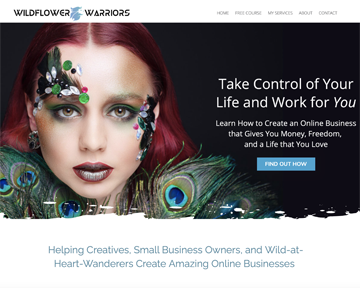
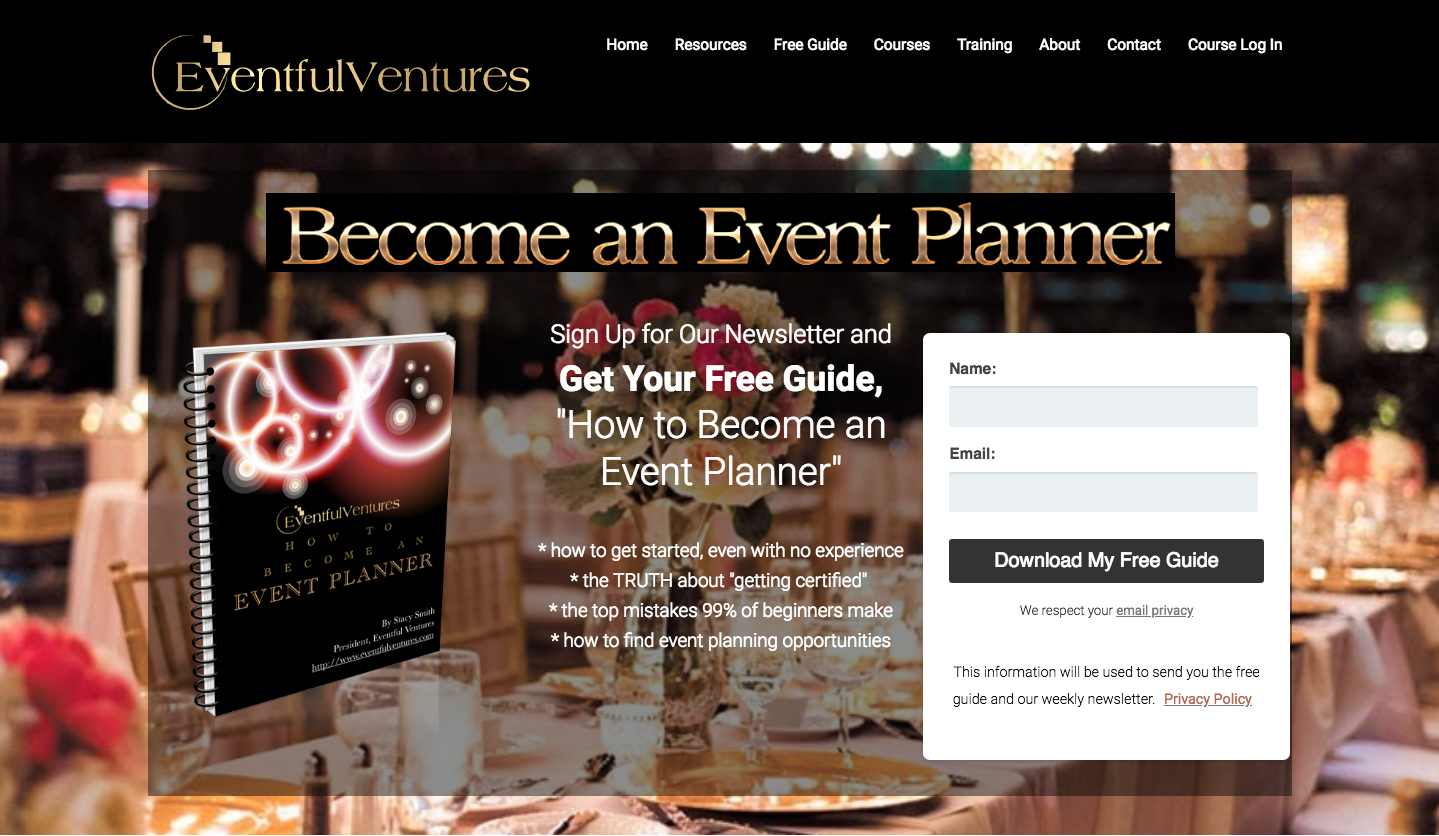
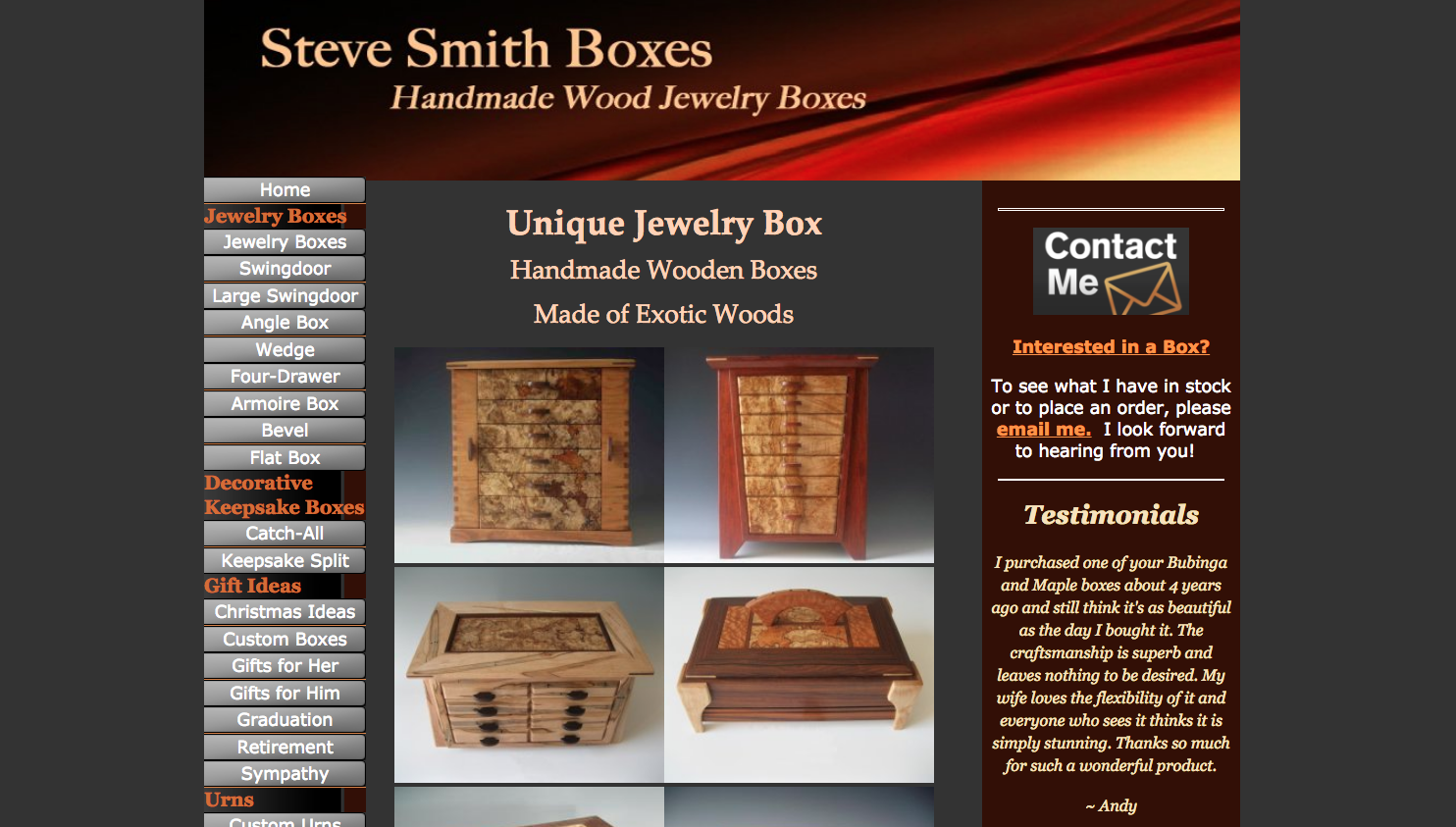
Here are some of the projects I've worked on.....
let's get in touch
Fill out the form below for more info or a free consultation!
(c) 2021 Stacy Smith Marketing